Docs/QR images
Available since v0.6.0
Chitra supports creating QR code images easily using the qrImage() command. Adjust the background color using fill() and the QR code color using stroke().
fill("white");
stroke("blue");
//      TEXT                                           X    Y    W
qrImage("https://github.com/aravindavk/chitra-d/wiki", 100, 100, 200);
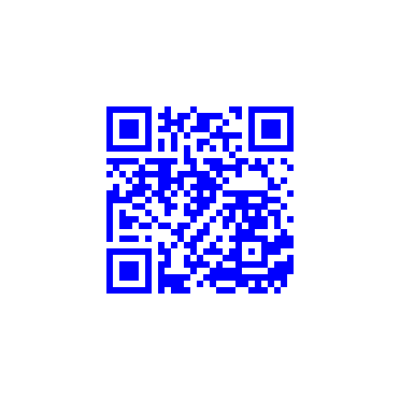
Chitra uses the QR library by Andrea Fontana, generates the QR code image as needed, and draws it on the Canvas at the given XY coordinates.
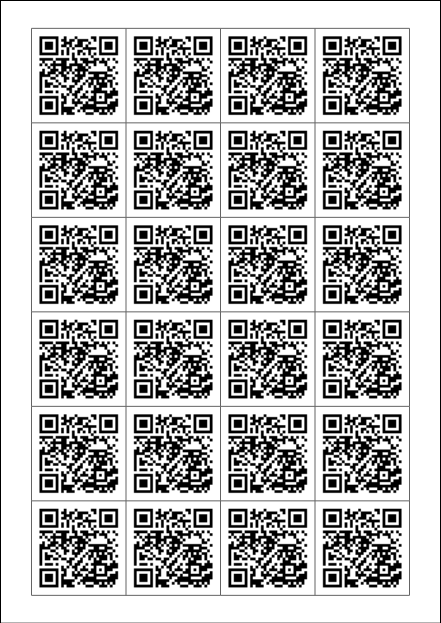
qrImage() also accepts a Box as the second argument, instead of x, y, and width separately. For example, to print QR code stickers on A4 paper:
string txt = "https://github.com/aravindavk/chitra-d/wiki";
auto ctx = new Chitra("a4");
with (ctx)
{
    background("white");
    fill("white");
    stroke("black");

    grid(4, 6);

    //       X      Y        WIDTH          HEIGHT
    gridSize(15.mm, 13.5.mm, width - 30.mm, height - 27.mm);
    foreach(i; 0 .. 4 * 6)
    {
        // Each grid cell size is 45mm, use QR size as 40mm
        auto box = gridCell(i+1).inset(dx: 2.5.mm, dy: 2.5.mm);
        qrImage(txt, box);
    }

    // Stroke color to gray (0-255 scale)
    stroke(100);

    // Show grid outlines
    gridOutlines;

    saveAs("output/qr-print.pdf");
}